

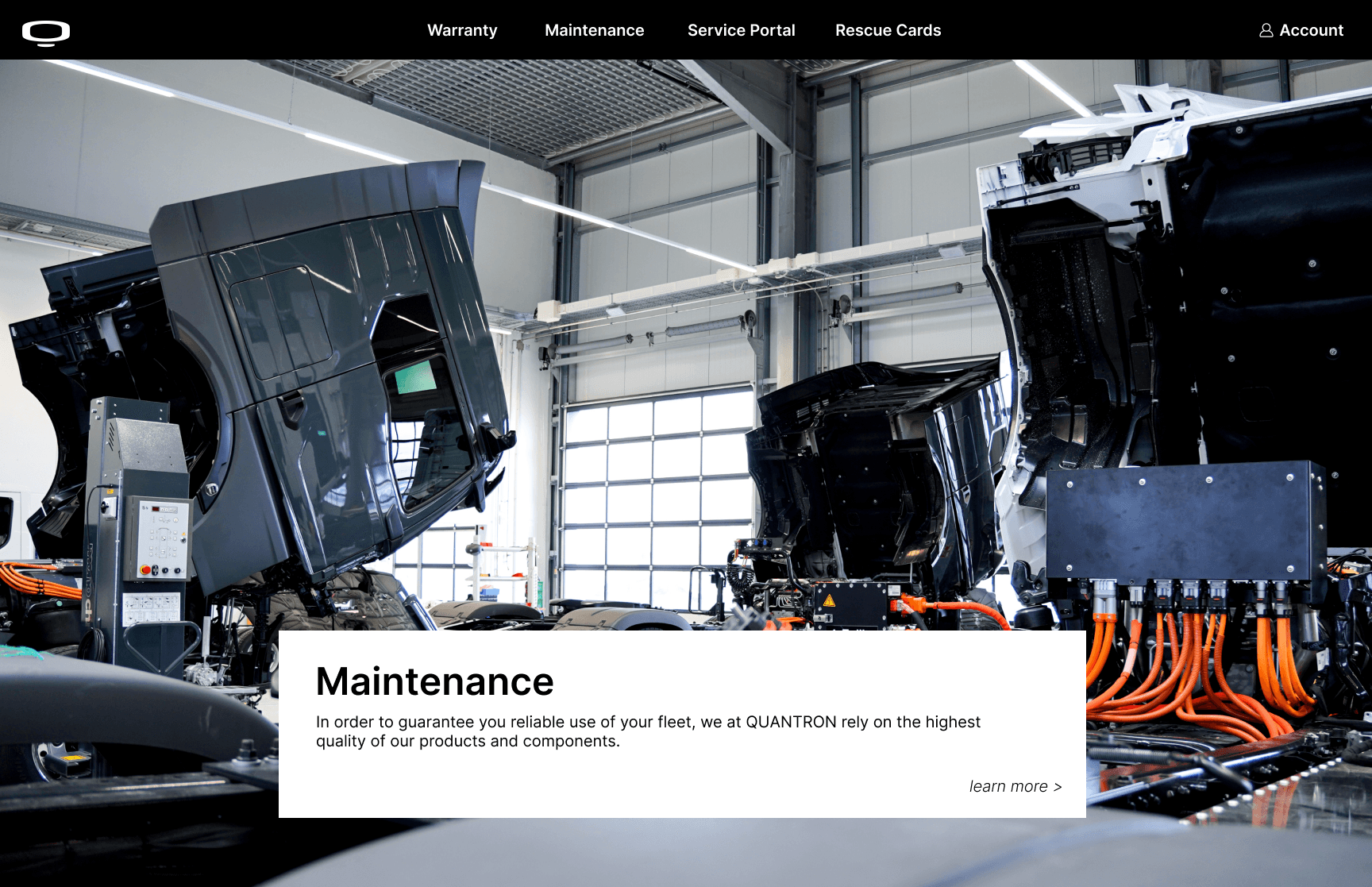
Quantron is a German electric vehicle manufacturer building zero-emission commercial trucks and buses.
04 Quantron
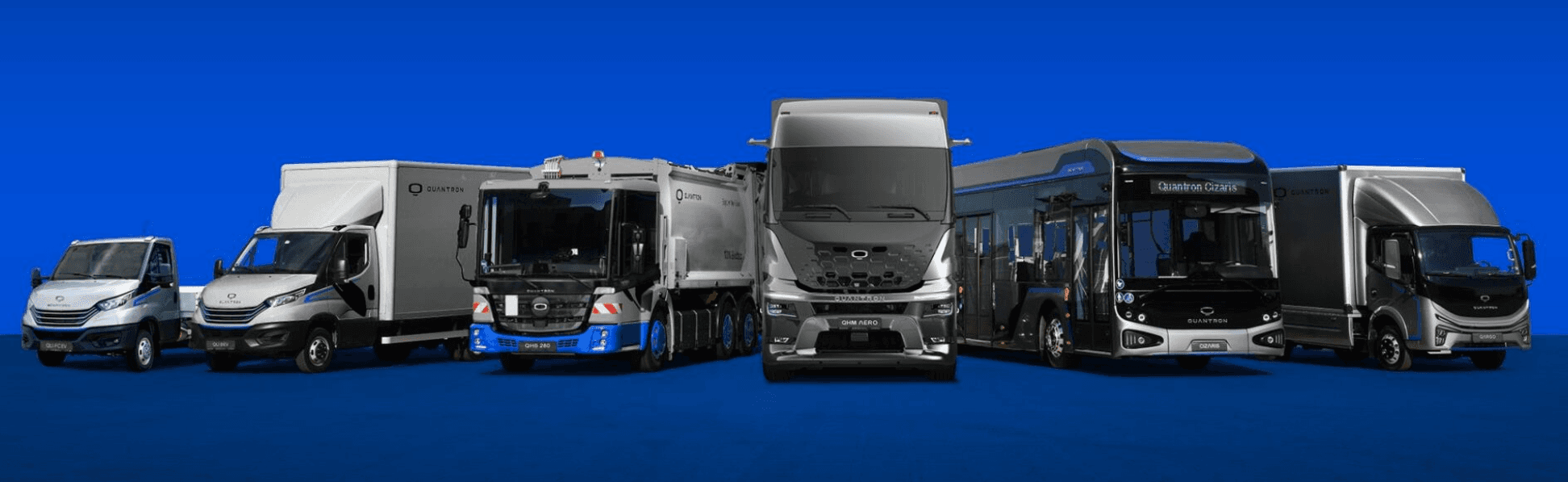
Quantron AG is a German electric vehicle manufacturer operating a fleet of EV trucks and buses across Europe. As part of a cross-functional product team, I was brought in as the UI designer to build out the visual and interaction layer of their internal service portal — a platform used by fleet operators and service technicians to manage warranties, maintenance, tickets, and repair orders across multiple vehicle models.
about
my role
Over approximately three months, I worked with Quantron as a freelance UI designer, responsible for the visual design and design system of their internal service platform. The work involved close collaboration with developers and stakeholders, delivering a cohesive product within real technical and timeline constraints.
design process
The portal was designed as a cohesive system rather than a collection of individual screens. A unified Figma component library was established at the outset — governing navigation structures, data tables, form inputs, filter systems, chart components, and status indicators — ensuring visual and functional consistency across 10+ screens before any surface-level design decisions were made.
The central design challenge was information density. Screens such as the repair order form, fleet ticket table, and operator dashboard carry significant technical complexity. The approach prioritised hierarchy and scannability — structuring dense specifications into layouts that operators could navigate efficiently under real working conditions, without reducing the technical specificity the product depends on.
Designs were delivered iteratively throughout the build rather than as a single final handoff. Working in close collaboration with the development team, design decisions were continuously refined in response to technical constraints and implementation feedback — ensuring that the component system translated accurately into the shipped product.
key features
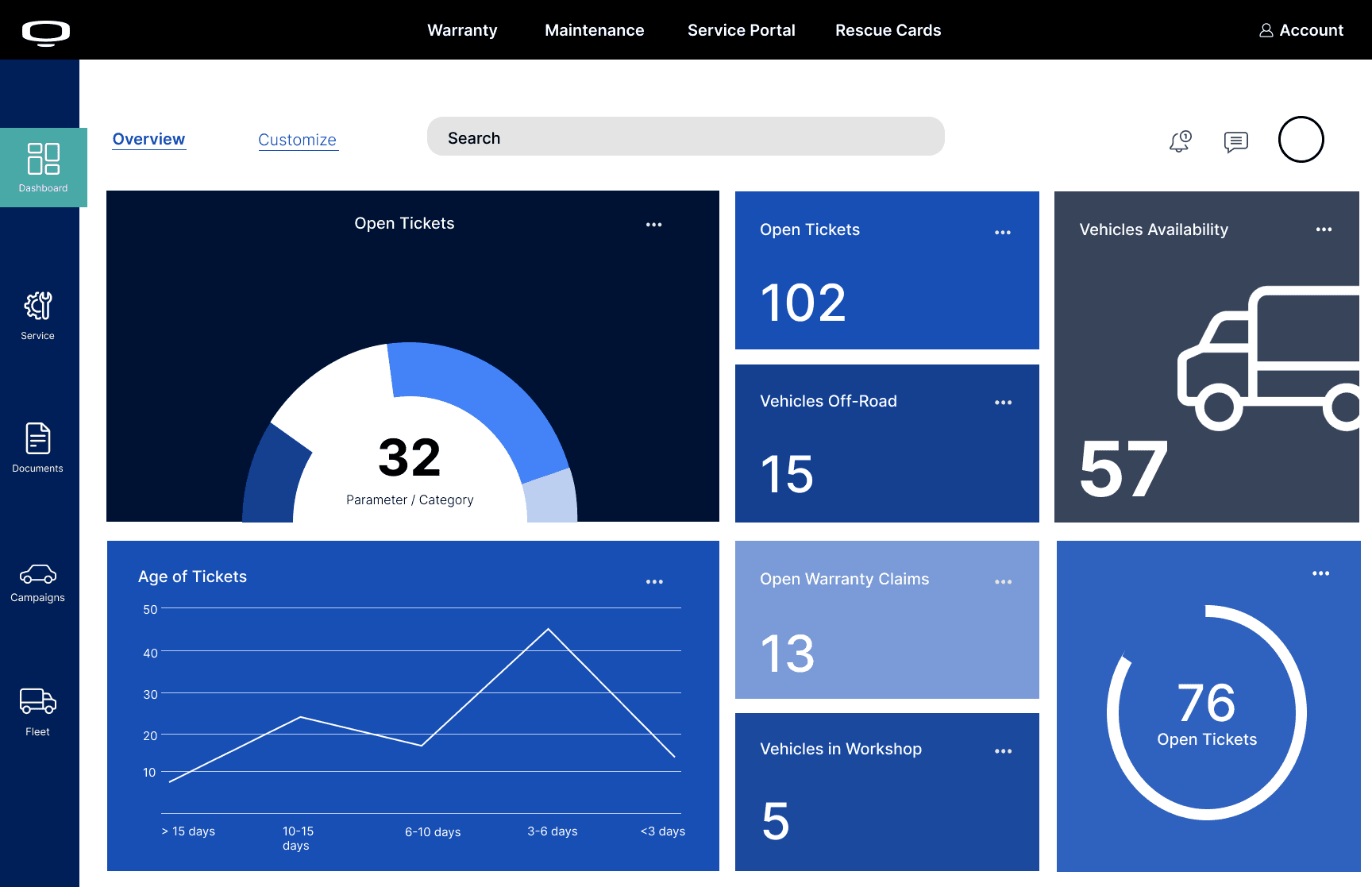
Operator Dashboard A customisable overview surface tracking live fleet metrics — open tickets, vehicles off-road, vehicles in workshop, warranty claims, and fleet availability — visualised through a donut chart, line chart, and a suite of metric cards. Designed to give service teams an immediate operational read at a glance.
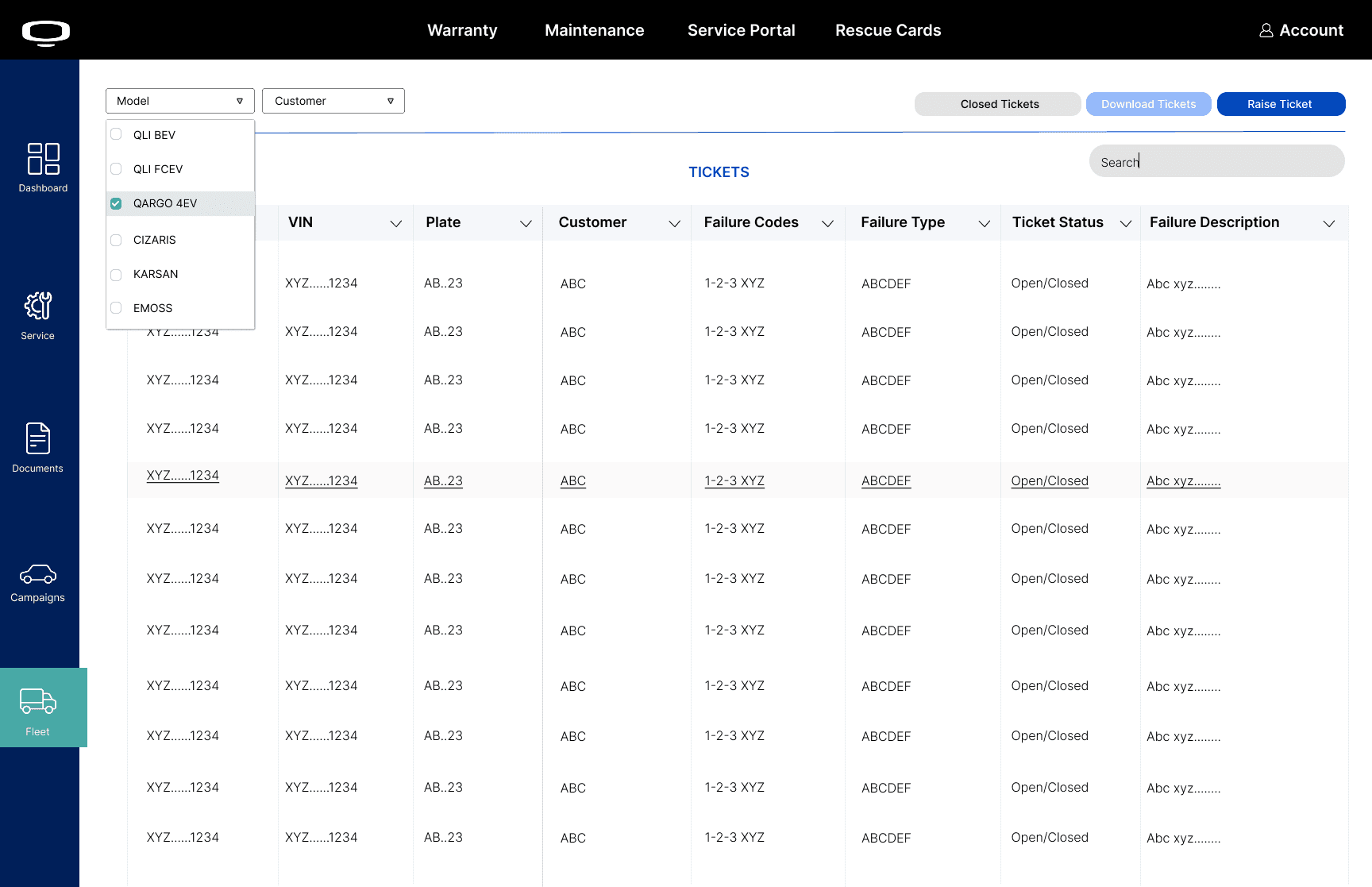
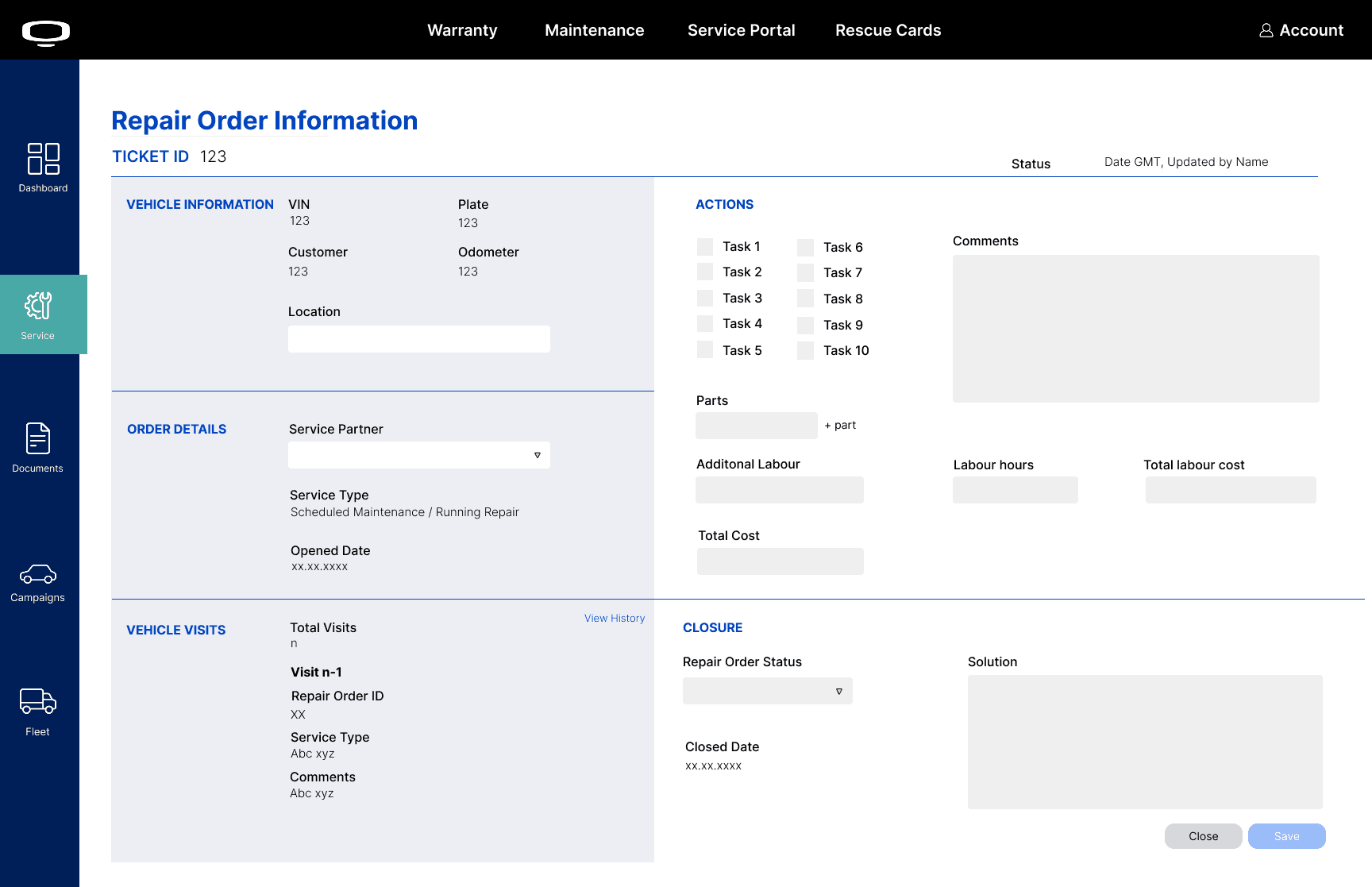
Fleet Ticket & Repair Management A sortable, filterable ticket table with model and customer-level filtering, alongside detailed Ticket Information and Repair Order screens. The repair order form consolidates vehicle data, a 10-task action checklist, parts tracking, labour hours, and total cost — with a direct pathway to submit warranty claims.
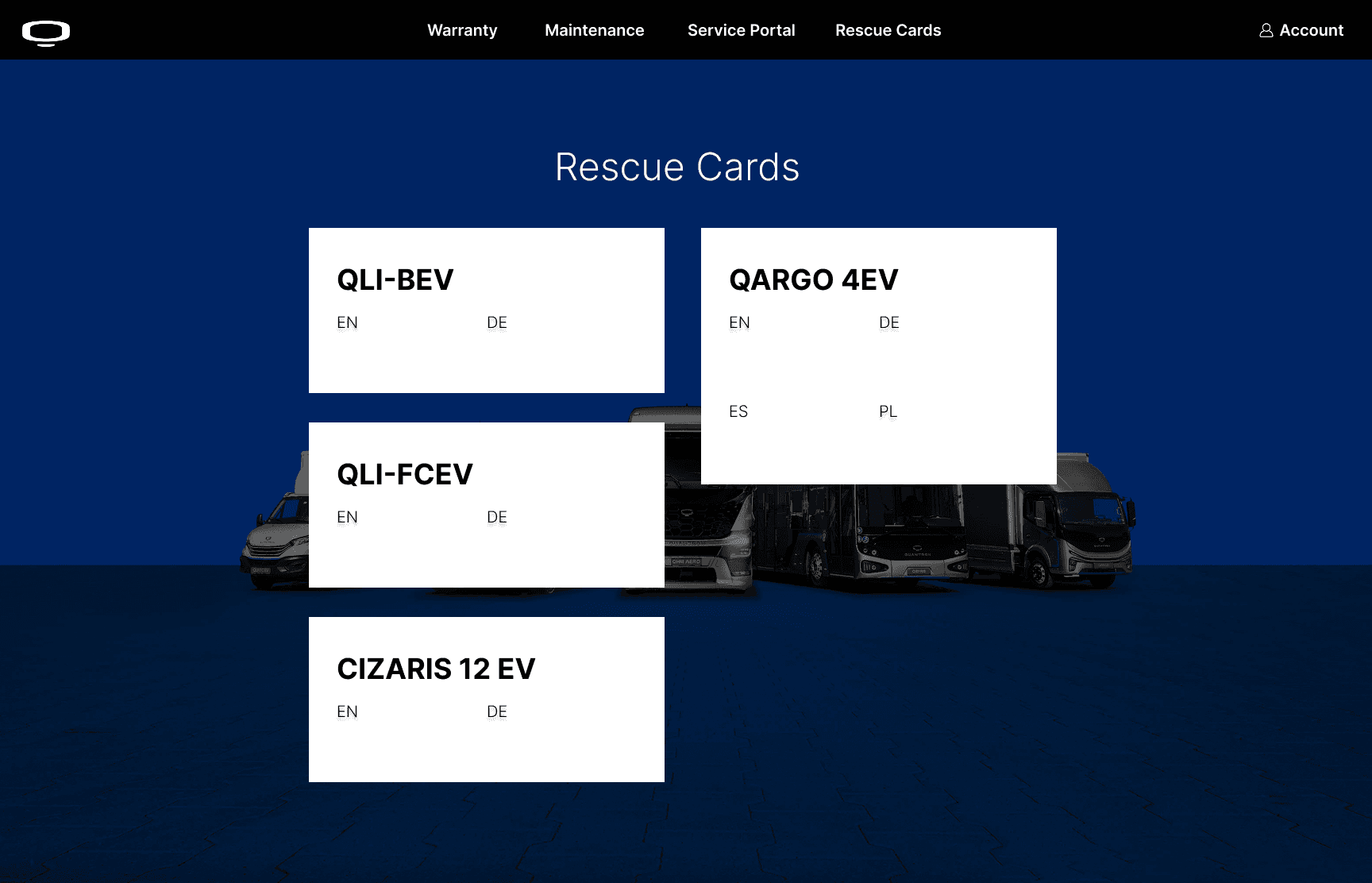
Bilingual Interface The service management screens were designed with bilingual field labelling across English and German, reflecting Quantron's operational context across European markets.
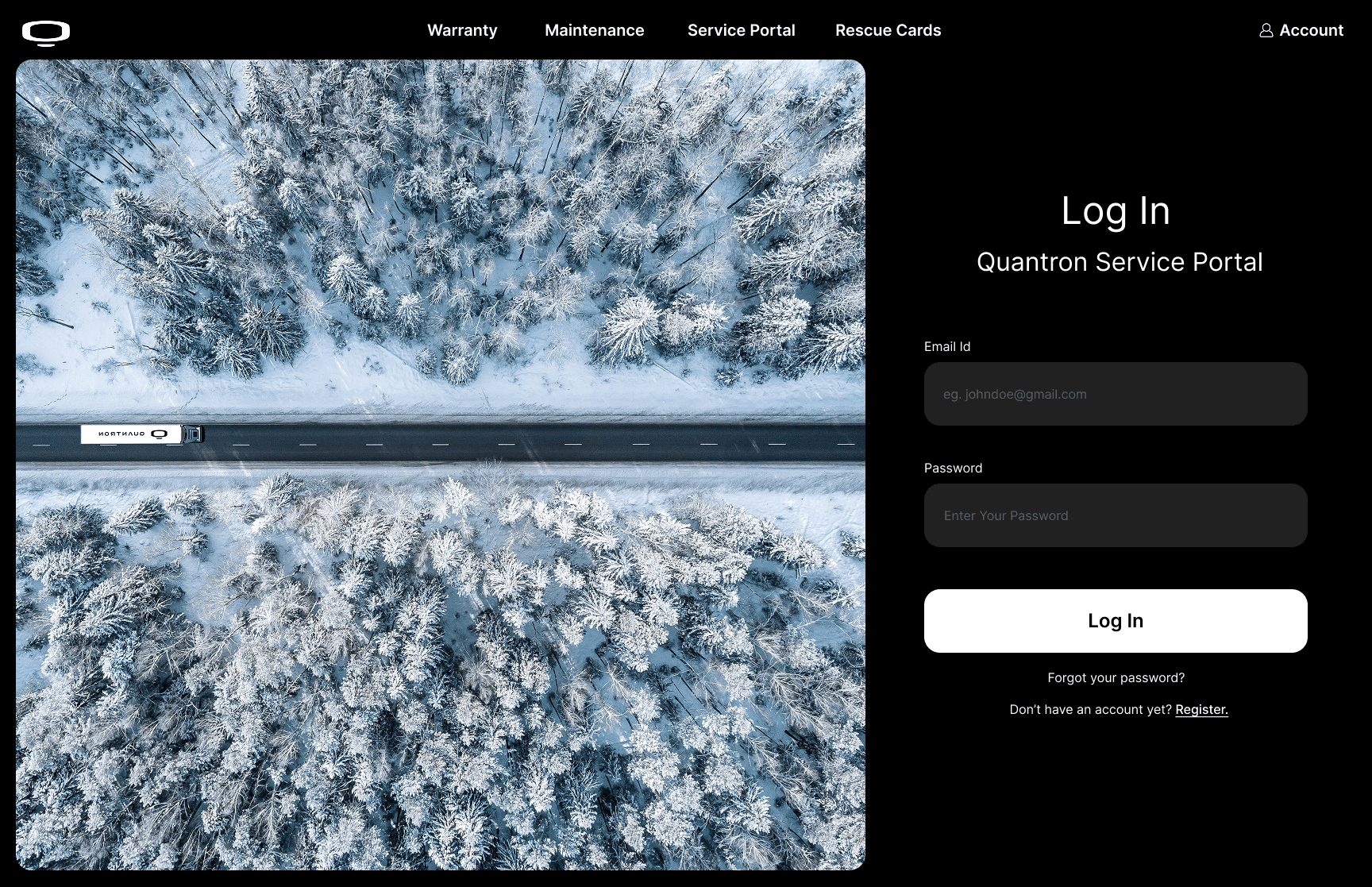
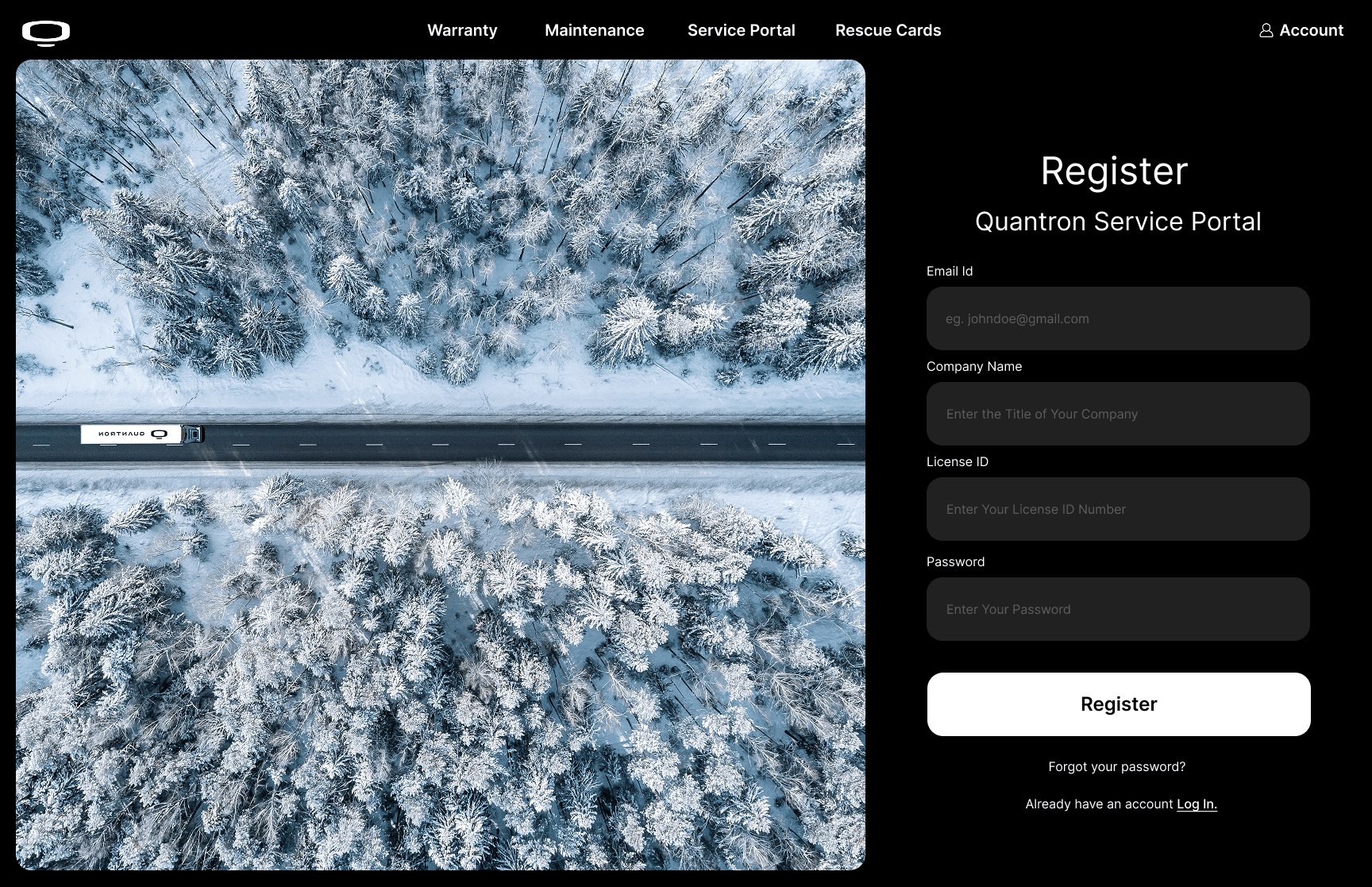
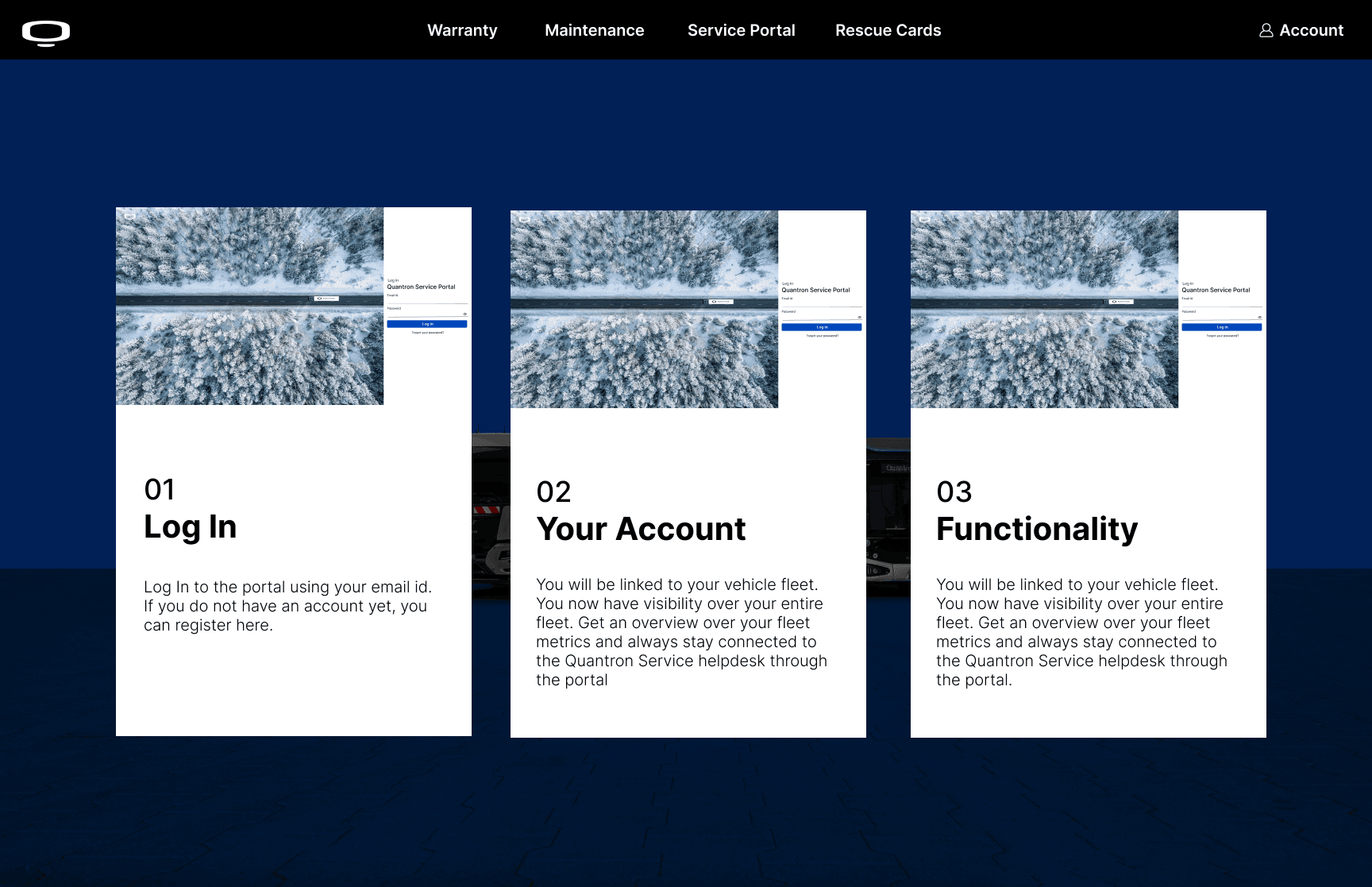
Authentication & Onboarding A split-layout authentication flow — Log In and Register — capturing company-specific credentials including License ID, with an onboarding sequence guiding new operators through account setup and portal functionality.
learnings
Working on Quantron taught me that a design is only as good as what actually gets built.
Building the design system with developer handoff as a first-class consideration, not an afterthought, changed how I think about every decision I make at the screen level.
THIS PROJECT IS CONFIDENTIAL
the website is for internal teams, and is currently live - so this is all i can share :').
-
a
a
y
n
a
n